Tool
SuiteQL for VS Code
A Visual Studio Code extension for browsing NetSuite schema, writing SuiteQL with autocompletion, and running queries in the editor.
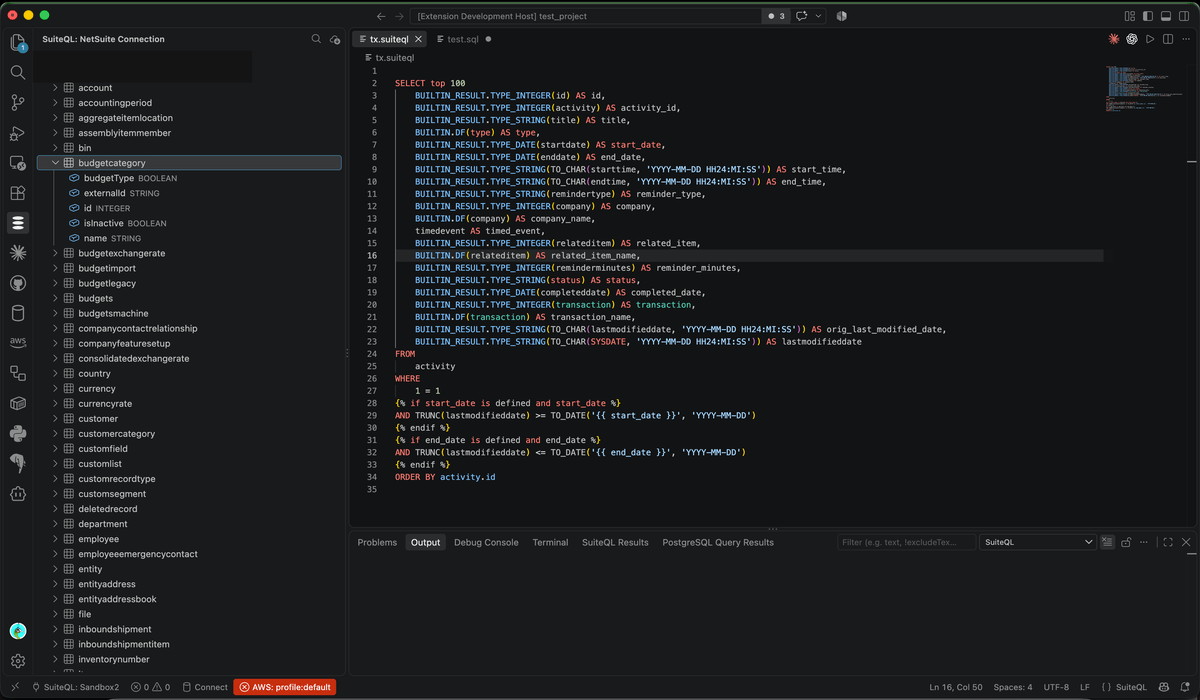
Connect to your NetSuite accounts and run SuiteQL queries, browse the record schema, and get schema-aware autocompletion and syntax highlighting, directly from VS Code.
Multiple connections
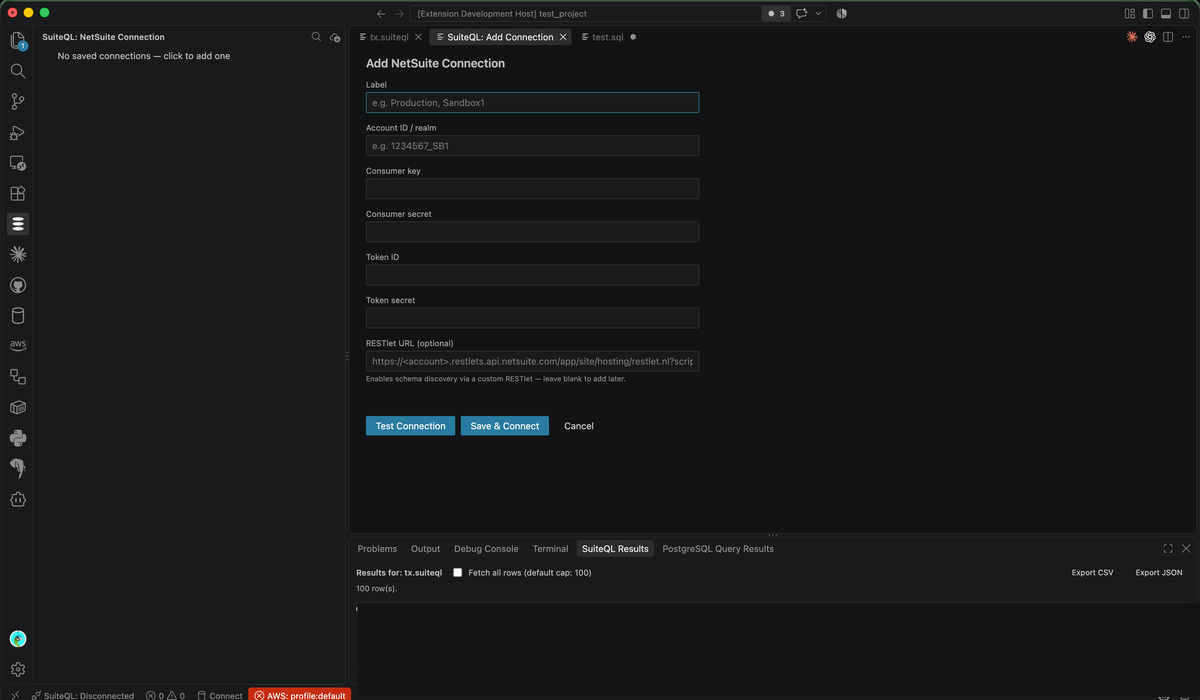
Save multiple labelled connections (for example “Production”, “Sandbox1”), authenticated via OAuth 1.0a Token-Based Authentication. Only one connection is active at a time, and the active connection is shown in the status bar so you always know where a query is about to run.
Schema browser
A left-panel tree shows every saved connection, the active connection’s downloaded tables, and each table’s columns.
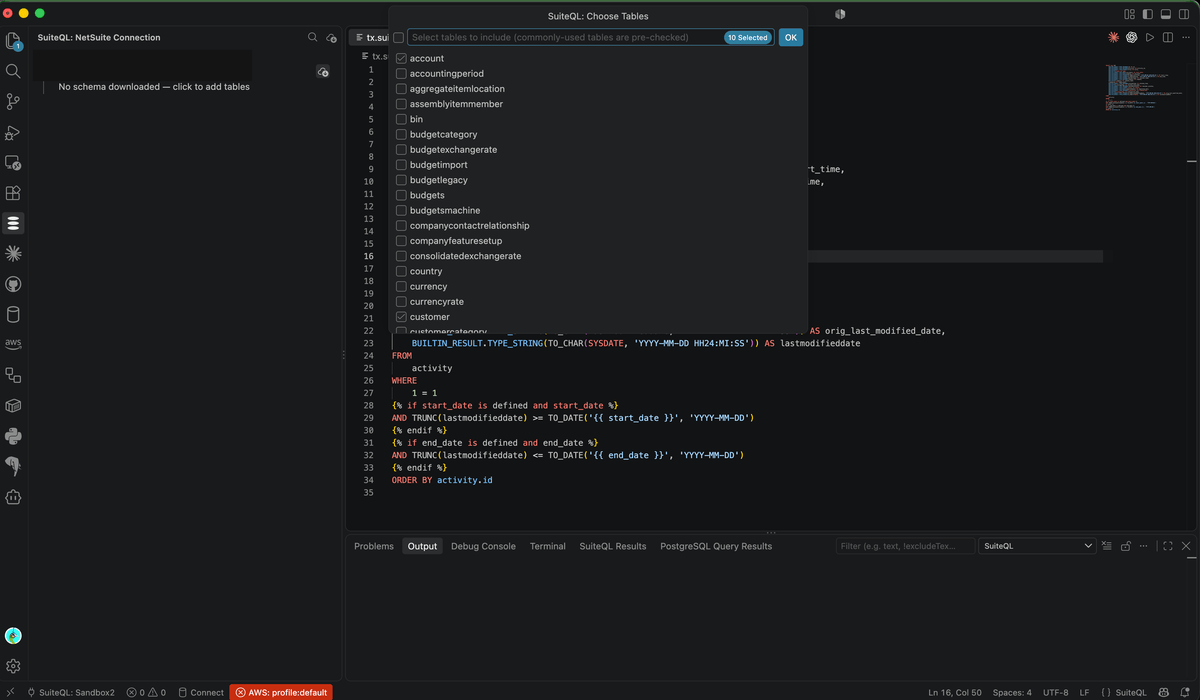
Schema is downloaded explicitly, never lazily: run SuiteQL: Add Tables to Schema to open a checkbox picker and download just the tables you need. Re-running the picker later adds more tables without disturbing what’s already there.
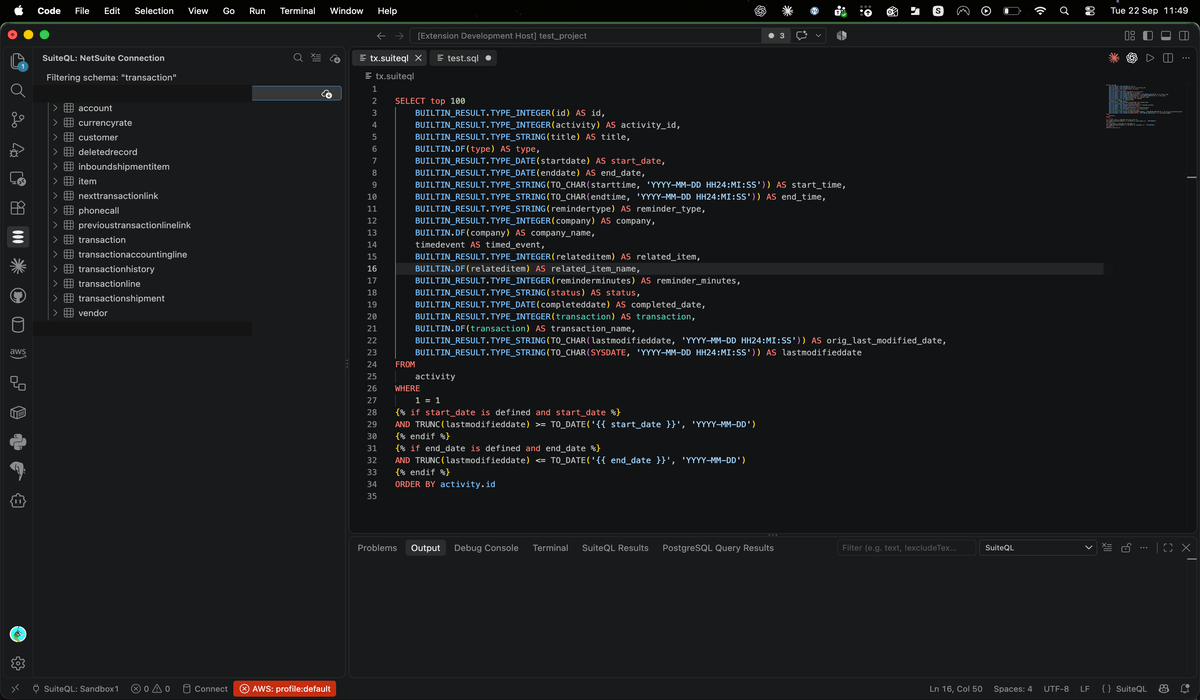
Use SuiteQL: Filter Schema to narrow the tree to tables or columns matching a search term.
Query editor with schema-aware highlighting
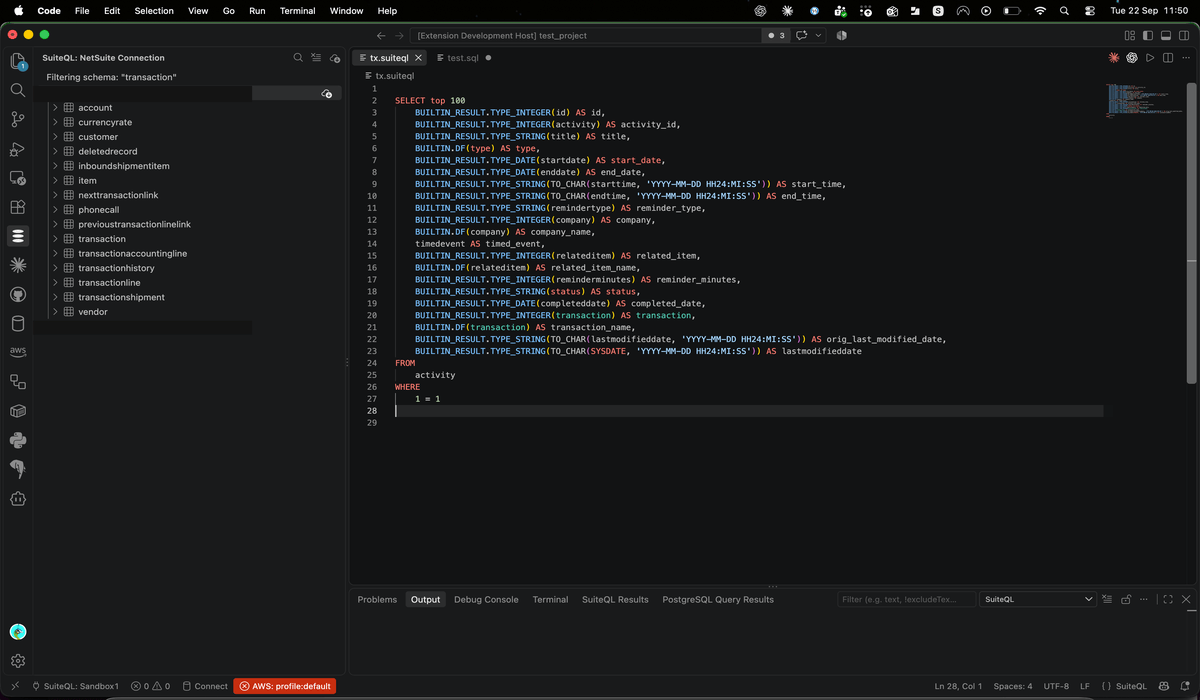
.suiteql files get full SQL syntax highlighting, plus semantic highlighting on top: identifiers that match a table or column in your actual downloaded schema are coloured distinctly from arbitrary syntax.
Autocompletion
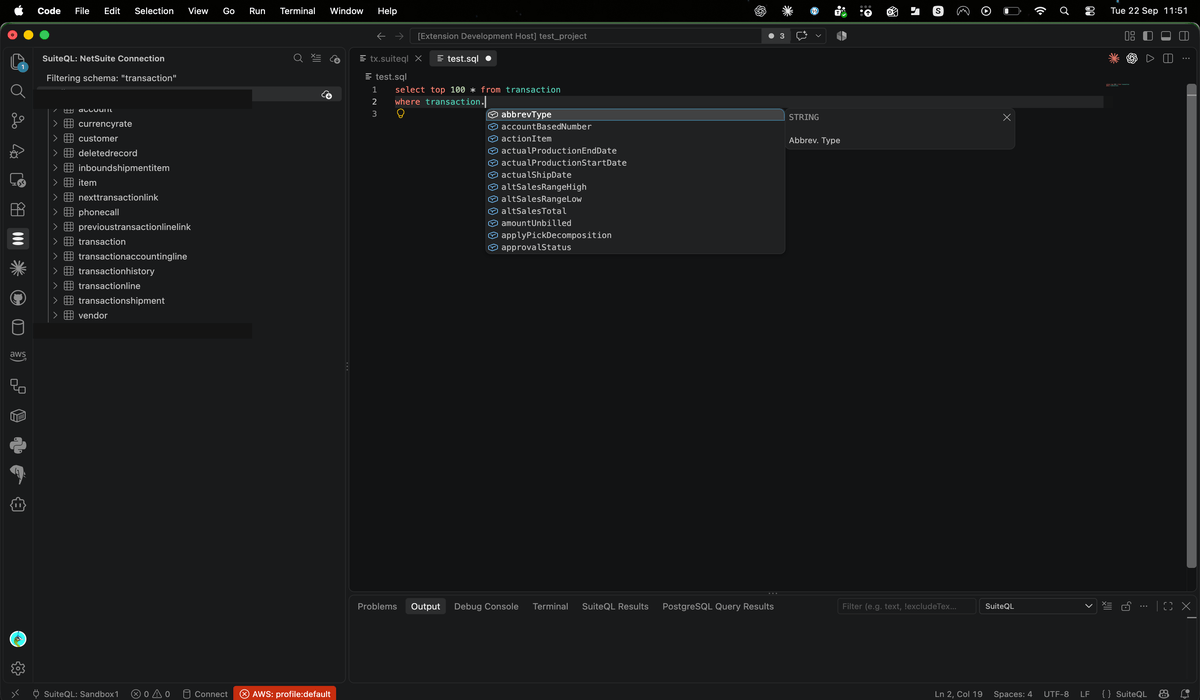
Completion for SQL keywords, table names, and column names, sourced entirely from your downloaded schema.
Drag tables and columns into a query
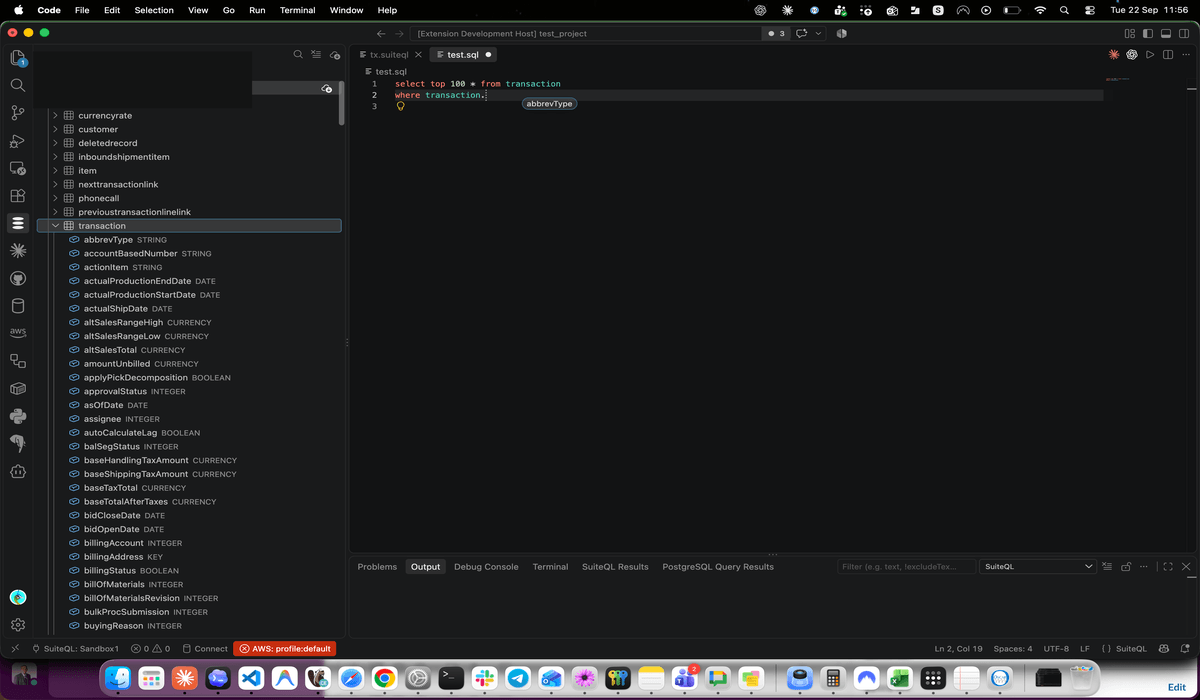
Drag a table or column from the object explorer and drop it into the editor to insert its name at the drop position, or right-click it and choose Insert into Editor.
Results pane
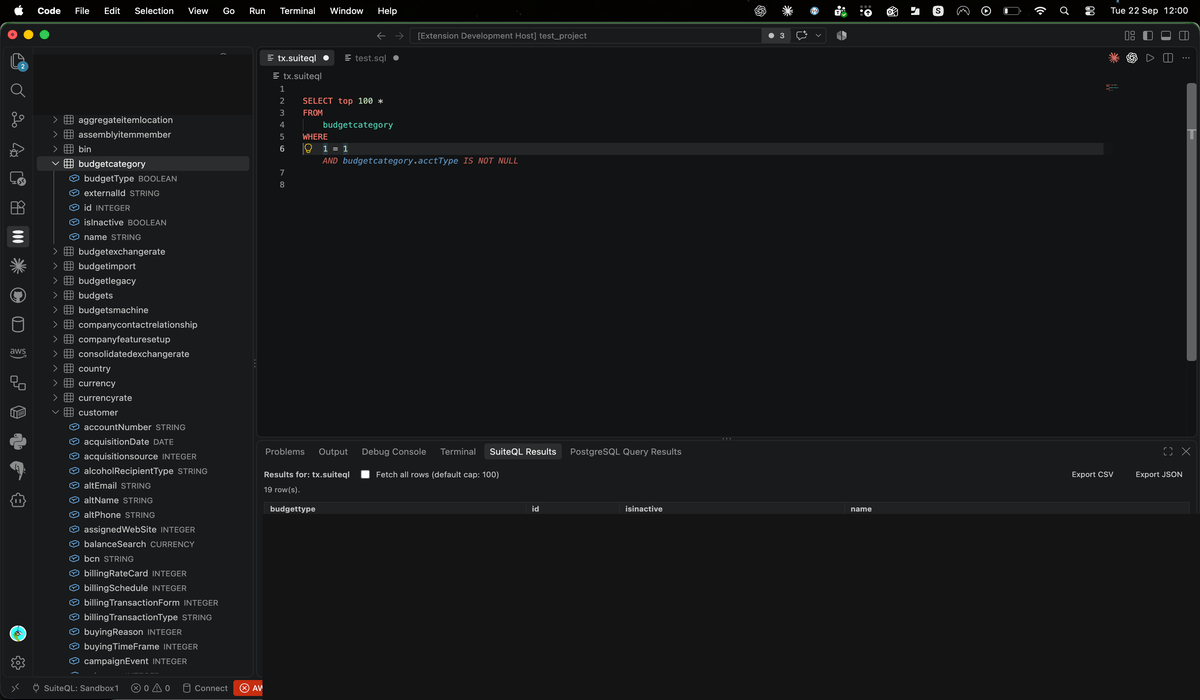
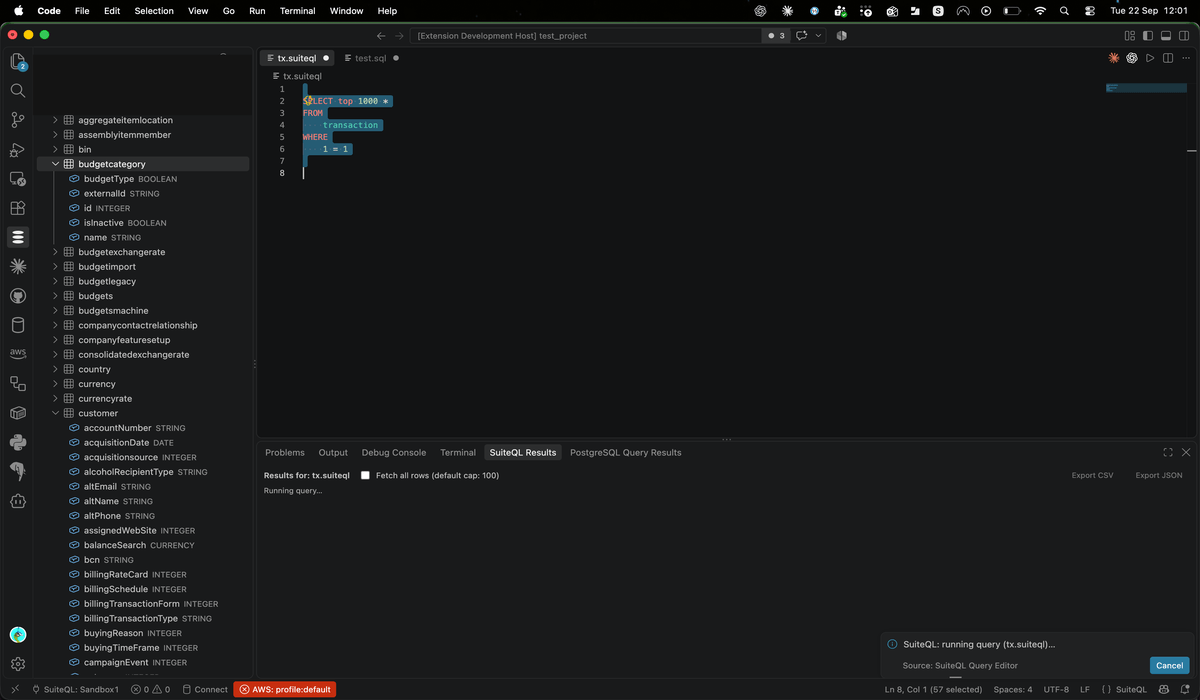
A docked panel shows query results as they come in, with an option to paginate through the full result set instead of the default 100-row cap.
A running query can be cancelled mid-flight from its progress notification.
Export results
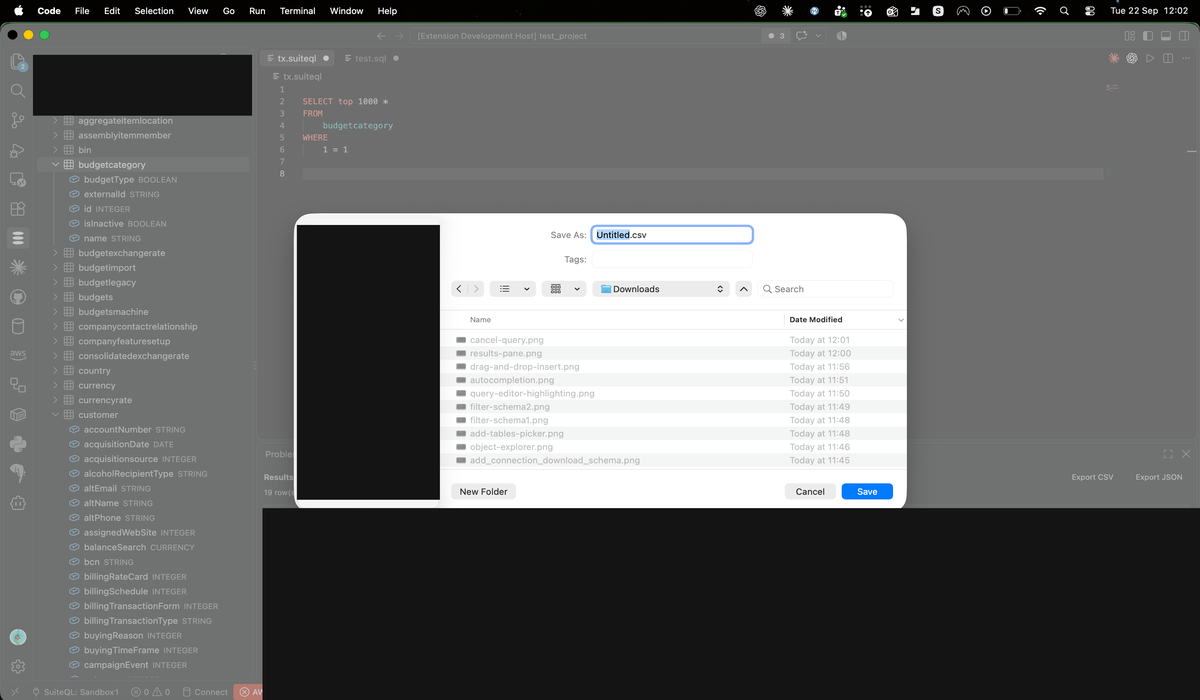
Export the current results to CSV or JSON, with JSON export coercing columns back to their real types using the downloaded schema.
Getting started
Running queries needs a NetSuite integration record and token. Schema browsing, autocompletion and semantic highlighting additionally need NetSuite Schema Publisher, a small companion RESTlet deployed into your account. Get in touch and we can help you set it up.